What Is a CMS in Web Design? A Plain-English Explainer
A CMS, or content management system, is software that lets someone update a website's content, text, images, pages, without touching the underlying code. It separates what a site says from how a site is built, so the person managing the content and the person managing the code can work independently of each other.
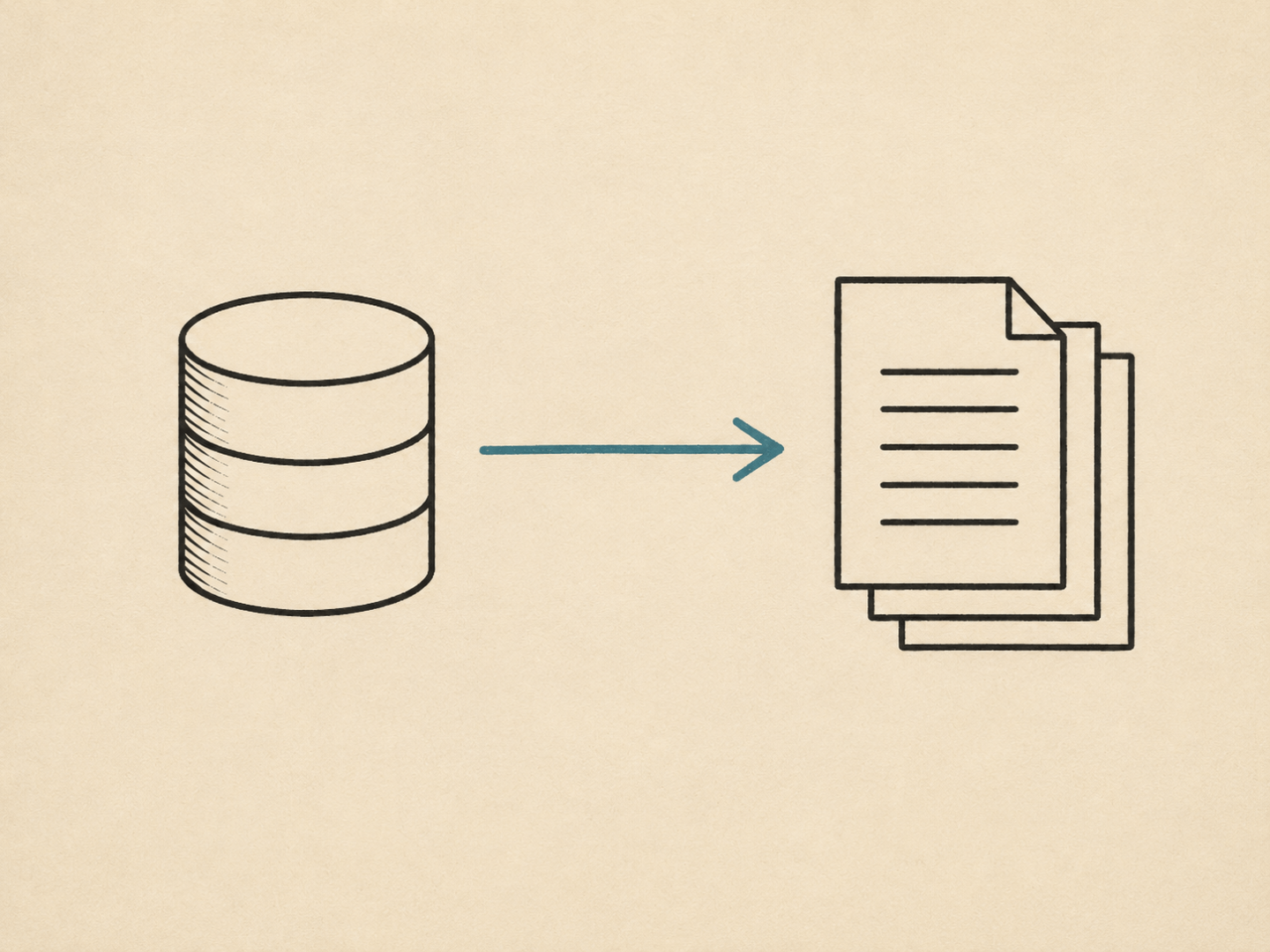
That separation is the whole point. Before CMS platforms became standard, updating a website usually meant editing HTML files directly, which put every content change in the hands of whoever could code. A CMS moves that job to anyone comfortable using a form-based editor, which is most of why it became the default approach for business websites.
- A CMS is software that separates a site's content from its underlying code, so non-technical people can update pages without editing HTML.
- Most business websites run on a CMS because it lets multiple people manage content without developer involvement for every change.
- A CMS-driven site pulls content from a database at the point a page loads; a static site has its content built directly into the files that get served.
- WordPress, Webflow, and Shopify are common CMS platforms, each suited to different needs, from general content sites to ecommerce.
- Headless CMS platforms separate content management from the front-end entirely, feeding content to whatever system displays it.
What a CMS actually does
At a practical level, a CMS gives a website an editing layer. Someone logs into an admin dashboard, opens a page or post, and edits the content through a visual or block-based editor. When they save, the CMS stores that content in a database and handles displaying it correctly on the live site, using templates that control layout, styling, and structure.
This is what makes ongoing website management workable for a small business. A shop owner can update their opening hours or add a new product without knowing what a template file is. A content team can publish a blog post without asking a developer to push it live. The CMS handles the technical side of getting content onto the page; the person editing only needs to think about the content itself.
The trade-off is that a CMS adds a layer of software that has to be maintained. Plugins need updating, themes need patching, and the platform itself needs periodic upgrades. None of that is difficult, but it's ongoing work that a static site doesn't require.
CMS-driven sites vs static sites
A CMS-driven site generates its pages dynamically. When someone visits a page, the server pulls the relevant content from a database, runs it through a template, and assembles the page in that moment. This is what happens behind the scenes on a typical WordPress site.
A static site works differently. Its pages exist as complete HTML files already, built in advance rather than assembled on the fly. There's no database lookup at the point someone visits, because there's nothing to look up; the page is already finished. Updating content on a static site means editing and republishing the underlying files directly, rather than logging into an admin panel and clicking save.
The practical difference shows up in who can make changes and how often. A CMS suits a site where content changes regularly and multiple people, often non-technical, need to make those changes independently. A static site suits a site where content changes less frequently, or where whoever maintains it is comfortable working directly with the underlying files. Static sites also tend to load faster and carry a smaller security surface, since there's no database or admin login to secure, but they lose the self-service editing that makes a CMS useful for a growing content operation.
Neither approach is universally better. The right choice depends on how often the content changes and who needs to be able to change it.
Common types of CMS
Several CMS platforms dominate the market, each built around slightly different priorities.
WordPress is the most widely used CMS globally, built originally for blogging and now flexible enough to run almost any type of site through themes and plugins. Webflow combines CMS functionality with a visual design tool, aimed at designers who want more control over layout than a typical WordPress theme allows. Shopify is built specifically for ecommerce, with product, inventory, and checkout functionality built into the platform rather than added on.
A separate category worth knowing is headless CMS. A headless CMS manages content the same way a traditional CMS does, but doesn't handle how that content is displayed. Instead, it makes the content available through an API, and a separate front-end system, a website, an app, or both, pulls that content in and displays it however it's built to. This setup is common where the same content needs to appear across multiple platforms.
Choosing between these isn't something this piece is trying to settle. Each suits different needs, budgets, and technical setups, and the right one depends on specifics that go beyond a general explainer.
FAQs
- Do I need a CMS for a small business website?
- Not necessarily. If the site's content rarely changes and one person is comfortable managing the files directly, a static site can work fine and often loads faster. A CMS becomes more useful once several people need to update content regularly without developer help.
- Is WordPress the same thing as a CMS?
- No. WordPress is one example of a CMS, not the concept itself. A CMS is the broader category of software that manages content; WordPress, Webflow, and Shopify are all specific platforms within that category.
- Can a website switch from a CMS to static, or the other way around?
- Yes, though it usually means rebuilding the site rather than flipping a setting. Moving from a CMS to static involves generating fixed HTML files from the existing content; moving the other way means setting up a database and admin system the site didn't previously need.
Understanding how a CMS fits into a site's structure makes more sense once you know what a sitemap does: a sitemap defines how a site's pages are organised, and a CMS is what manages the content living inside that structure once it's built. For the broader picture of how design decisions like this fit together, see what is web design. More about the approach behind this site is on the about page.